
What Is Digital Asset Management? A Simple Guide for Small Business Owners
Digital Asset Management (DAM) is a system that helps small businesses organize, store, and access digital files in one place. It keeps images, documents, and brand assets easy to find, supports team collaboration, and saves time by reducing clutter and duplicated work.

You create images, videos, and files every day, yet they often end up scattered across drives, emails, and chats. According to several studies, employees spend nearly a third of their workday searching for files, highlighting the significant impact of disorganized information on productivity.
If you want to move quicker and stay consistent, this matters. I’ll show how a DAM goes beyond basic storage, why it fits small businesses, and which features actually help day to day.
Key Takeaways
- A DAM keeps all digital files in one organised, secure place.
- It helps you save time and protect brand consistency.
- The right features make files easy to find, share, and control.
What Is Digital Asset Management (DAM)?
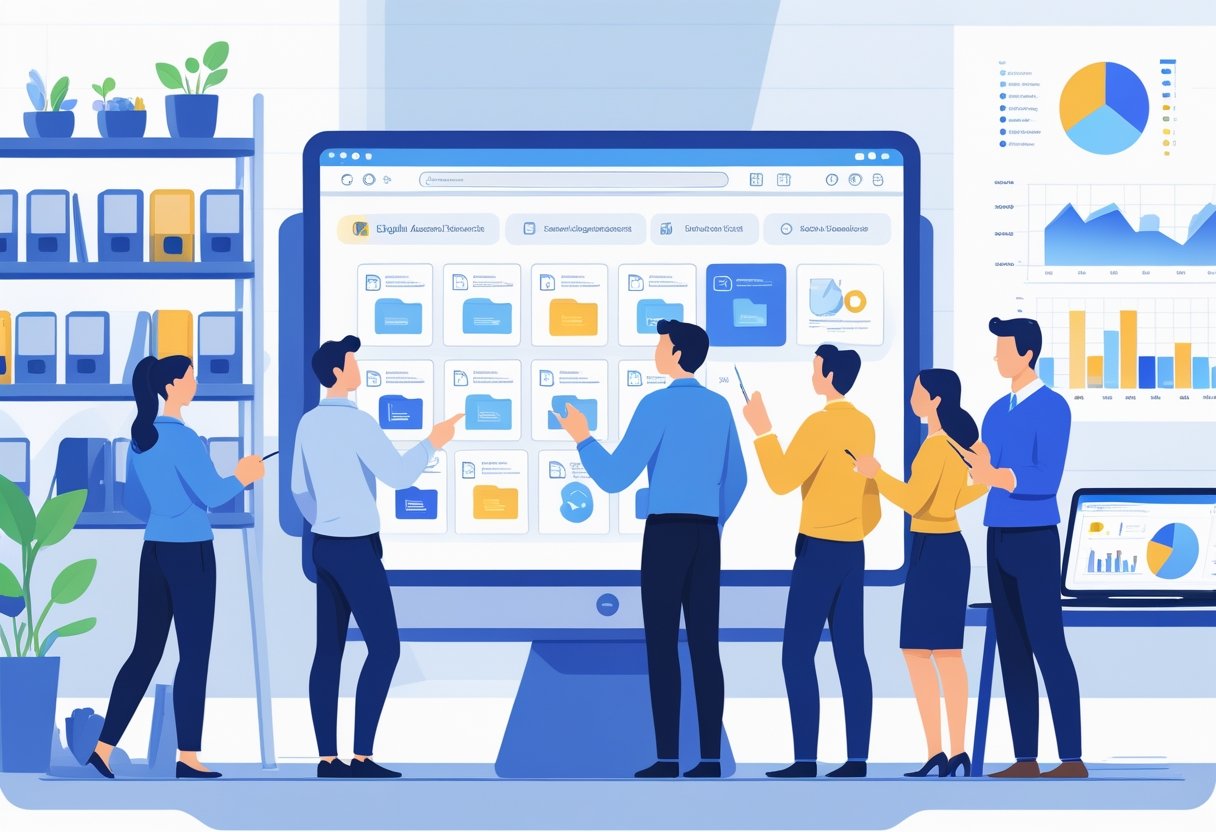
A Digital asset management solution stores, organises, and controls all your digital files in one secure place, so you can find, share, and use the right asset fast. It goes beyond storage by adding structure, search tools, and rules that guide how people use content. For example, a marketing team can quickly locate and distribute approved logos and campaign images without wasting time searching through multiple folders.
Key Features of Digital Asset Management
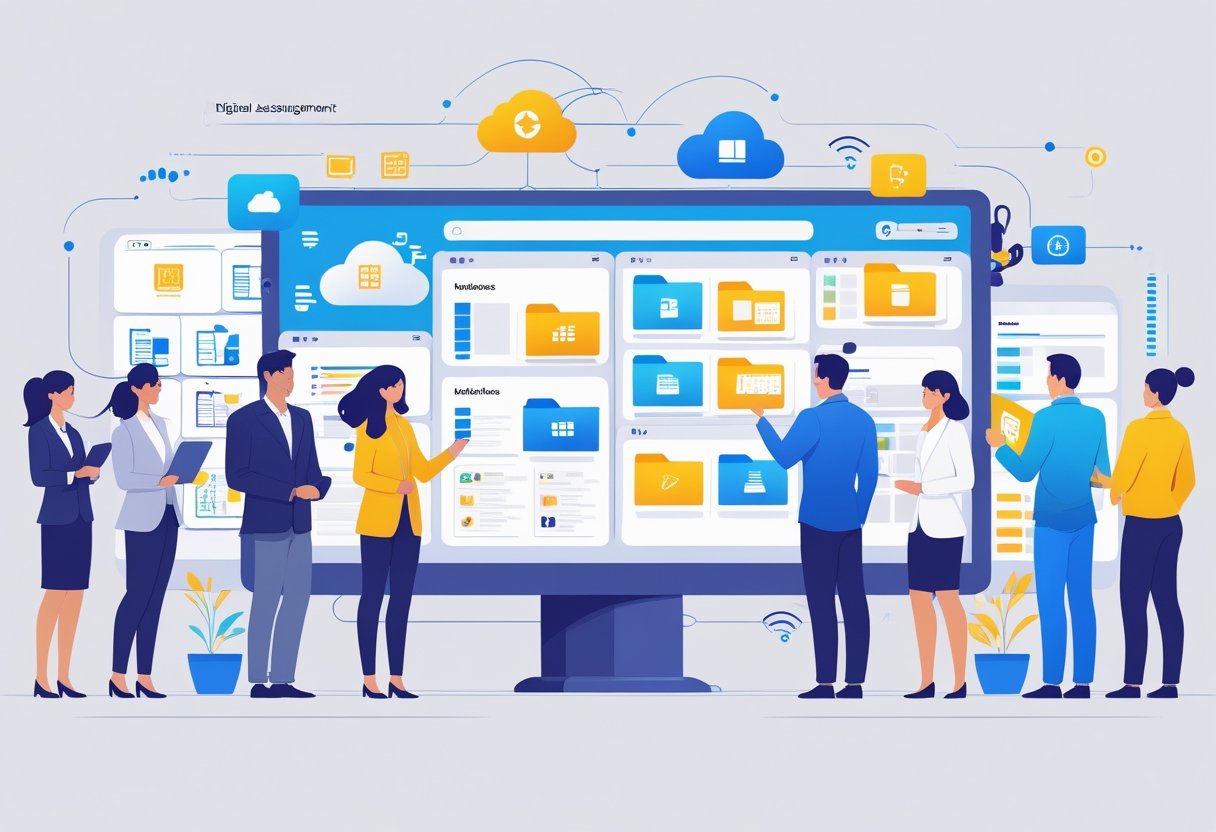
A digital asset management system (DAM) stores digital assets like images, videos, logos, and documents in a central library. You can then tag those files with names, dates, campaigns, and usage rights, which makes search fast and reliable.
Most DAM software includes version control, this means the system keeps track of changes made to files. This prevents users from picking outdated materials.
Many tools also support rights management and digital rights management, so that you can limit access and track licenses. This reduces legal risk and protects brand assets.
DAM software often runs on cloud storage, which allows secure access from anywhere. Unlike basic tools, a digital asset management system supports content management across teams with clear roles, approvals, and activity logs. This reduces mistakes, improves collaboration between departments, and ensures everyone is working with the correct assets
Difference Between DAM and File Storage
File storage tools focus on saving and syncing files. They act like shared folders. For example, Google Drive and Dropbox are popular file storage tools that many people use for personal and business documents. A DAM system, on the other hand, works as a digital library built for business use and long-term control. Well-known DAM systems include platforms like Bynder, Adobe Experience Manager, and AssetHQ which are designed for managing large collections of media assets.
The table below shows the key differences:
| Feature | File Storage | DAM Software |
|---|---|---|
| Search | Folder-based | Tag and metadata search |
| Rights control | Basic access | Built-in rights management |
| Version control | None | Full/Limited version tracking |
| Content reuse | Manual | Designed for reuse |
DAM supports content management at scale. File storage does not.
Why Small Businesses Need DAM
As mentioned in the intro, we waste a lot of time searching for files. A good DAM makes our creative assets easy to find, keeps files secure, and speeds up work.
Challenges Without Proper Asset Management
I have worked with many start-ups and SMME’s that initially kept images, logos and videos across Google Drive, email and local drives. This always ended up becoming a horror show because files would be scattered everywhere and we would lose time trying to find them. This also led to many costly redesigns as some brand files simply got lost in the chaos.
Security became a risk too, multiple copies in different location meant that we could not keep track or control who has access to these files.
These problems appeared regardless of the company’s size. This was because files and folders were created and sent as a part of normal business operations.
These issues can slow down campaigns, waste design hours, and can cost money when partners use incorrect assets. A scattered asset library also makes onboarding new staff harder and damages my brand’s professional appearance.
Signs Your Business Needs a DAM Solution
If your team spends more than two hours a week looking for files, that’s a clear sign. Repeated use of outdated logos, missed deadlines because files are hard to find, or frequent permission requests all point to a need for an asset management tool.
I would also look for pain during asset creation and delivery. If photographers, designers and agencies struggle to send or retrieve approved content, a DAM for small business would fix that with clear user roles and download portals.
Final Thoughts: Get started... soon
Digital Asset Management doesn't have to be complicated or reserved for large enterprises with massive budgets. At its core, DAM is simply an organized system for storing, finding, and sharing your business's digital files—from logos and product photos to videos and marketing materials.
For small business owners, the benefits are tangible and immediate. A DAM system saves you time by eliminating the frustration of hunting through folders for that one file you need right now. It protects your brand consistency by ensuring everyone uses the current, approved versions of your assets. It facilitates smoother collaboration, whether your team is working from the office, home, or halfway around the world. And perhaps most importantly, it gives you peace of mind knowing your valuable digital assets are secure, backed up, and won't disappear if someone's laptop crashes.
You can try out AssetHQ for free to see how a simple DAM designed for growing teams can help you.